

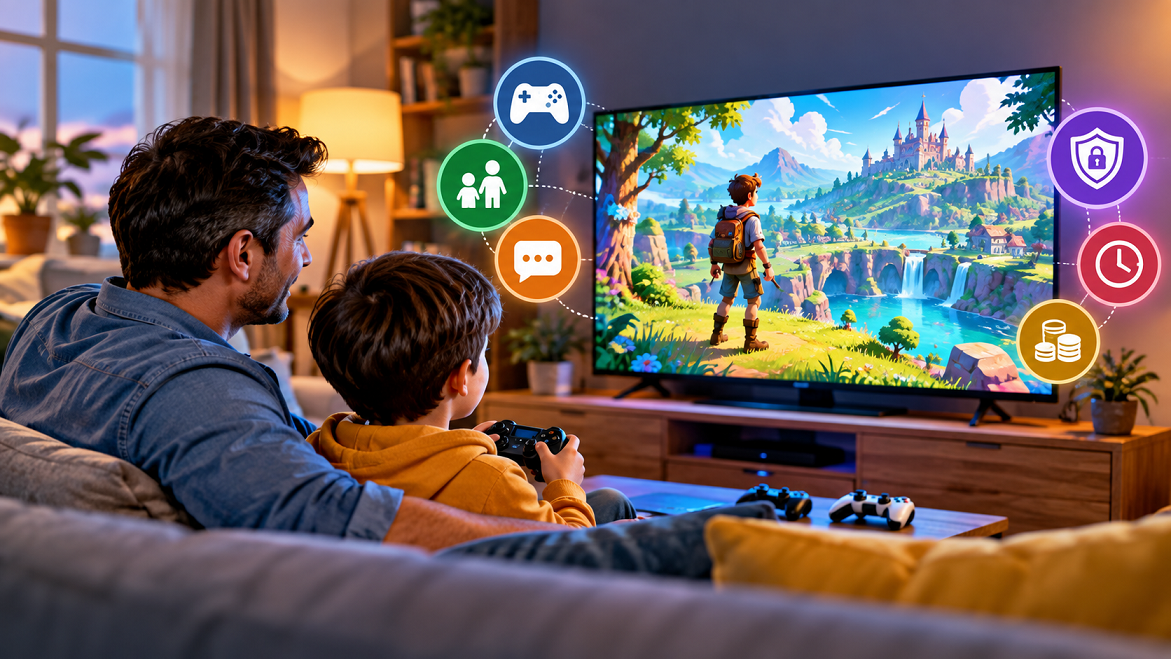
Children today don’t just play video games—they also watch other people play them. Gaming videos, live streams, walkthroughs, esports, game reviews, speed runs, and creator content have become an important part of how many young people experience gaming.
For parents, this can create a common question: What exactly is my child watching?
A game that looks colorful and harmless on the surface may contain online chat, violence, gambling-like mechanics, advertising, user-generated content, or opportunities for in-game purchases. At the same time, gaming content can also introduce children to storytelling, problem-solving, creativity, teamwork, and digital communities.
The goal isn’t necessarily to understand every game perfectly. Instead, parents can learn what their children are watching, why they enjoy it, who they are watching, and what risks or benefits may be associated with it.
Why Kids Watch Gaming Content
Watching games serves several different purposes.
Entertainment
Sometimes the simplest explanation is the right one. Children may watch gaming videos because they find them funny, exciting, competitive, or visually interesting.
A creator’s personality can be just as important as the game itself. A child may enjoy watching a particular streamer because of their humor, reactions, storytelling, or interaction with viewers.
Learning How to Play
Walkthroughs and tutorials can help children understand difficult games. They may watch someone demonstrate:
- How to complete a difficult level
- Where to find an item
- How to build something
- How to improve their strategy
- How to customize a character
- How to solve a puzzle
This means watching gaming content isn’t always passive entertainment. Children may actively use videos as informal tutorials.
Social Connection
Games are also social spaces. Children may watch the games their friends are discussing so they can participate in conversations at school or online.
For example, a child who doesn’t own a particular game may still watch videos about it because friends are talking about its characters, challenges, or updates.
What Parents Should Look At
You don’t need to become an expert gamer. Instead, focus on a few important characteristics.
1. The Game’s Age Rating
Start with the game’s official age rating where one is available.
The ESRB rating system, for example, provides age categories and content descriptors intended to help parents understand what a game contains.
However, remember that the game and the video about the game aren’t necessarily identical experiences.
A gameplay video may include commentary, profanity, creator humor, advertisements, thumbnails, or discussion that isn’t represented by the game’s rating.
2. What Is Actually Happening on Screen?
Rather than judging a game by its title or graphics, spend a few minutes watching it.
Look for:
- Violence or frightening imagery
- Strong language
- Sexual references
- Substance-related themes
- Gambling or gambling-like mechanics
- Competitive behavior
- Scary sounds or environments
- User-generated content
- Online interactions
Context matters. A cartoon-style game and a realistic game can portray similar themes very differently, while an apparently child-friendly game may contain user-generated or online elements that deserve additional attention.
Games, Live streams, and Gaming Videos Are Different
One of the most important distinctions for parents is understanding what type of content their child is consuming.
Recorded Gameplay
These are edited or recorded videos showing someone playing a game.
They may be relatively easy to review because parents can watch part of the video before allowing their child to view it.
Live streams
Live streams are more unpredictable.
A creator may interact with viewers through live chat, respond to donations, discuss unrelated topics, or encounter unexpected content.
This makes the creator and platform environment important—not just the game.
Esports
Esports broadcasts are competitive gaming events. They can expose children to teamwork, strategy, competition, and professional gaming culture.
However, parents should still consider the age appropriateness of the particular game, broadcast, commentary, advertising, and community surrounding it.
Pay Attention to the Person Your Child Is Watching
Sometimes the creator matters more than the game.
A creator can influence how children interpret what they see. Pay attention to:
- The creator’s language
- How they treat opponents
- Whether they encourage risky behavior
- How they discuss purchases
- Whether advertisements are clearly identified
- How they respond to mistakes
- Whether their humor is appropriate for your child’s age
This doesn’t mean every gaming creator needs to be treated as a negative influence. Instead, it means parents should evaluate the complete viewing experience.
A useful question is:
“If my child copied this creator’s behavior, would I be comfortable with it?”
That question can reveal concerns that a simple game-rating check may not identify.
Online Communication Deserves Special Attention
Many modern games combine gameplay with communication features.
Players may communicate through:
- Voice chat
- Text chat
- Friend requests
- Private messages
- Team channels
- Social hubs
- User-generated content
A child might therefore be interacting with people they don’t know personally.
Parents should explain simple safety rules, such as not sharing their:
- Full name
- Home address
- School
- Phone number
- Passwords
- Private photographs
- Precise location
- Financial information
For younger children, parental controls can also help restrict communication and other online features.
Understand In-Game Purchases
Another important area is spending.
Some games contain:
- Cosmetic items
- Character skins
- Battle passes
- Virtual currencies
- Expansion packs
- Randomized rewards
- Subscription features

Parents should understand what their child can purchase and how purchases work before allowing unrestricted access.
Modern parental controls can often help parents manage spending, screen time, age restrictions, and online communication.
A practical household rule might be simple: children should ask before making any purchase, even when virtual currency is involved.
Don’t Forget Privacy
Gaming increasingly involves connected accounts, social features, apps, and online services.
Parents should understand what information a platform or service collects and what privacy controls are available.
In the United States, the Children’s Online Privacy Protection Act (COPPA) provides specific protections concerning the collection of personal information from children under 13 by covered online services. The Federal Trade Commission provides guidance for parents about children’s online privacy.
Privacy laws differ between countries, so parents should also check the rules and privacy policies applicable to their location.
How to Talk to Your Kids About Games
A conversation usually works better than simply saying, “You can’t watch that.”
Try asking open-ended questions:
“What do you like about this game?”
This helps you understand whether your child enjoys the story, competition, creativity, characters, or social experience.
“Who are you watching?”
Ask about the creator and what makes their videos interesting.
“What happens when you play with other people?”
This opens a discussion about online communication without making the conversation feel like an interrogation.
“Have you ever seen something in a game that made you uncomfortable?”
This can encourage children to report problems instead of hiding them.
A Simple Five-Minute Parent Check
Before allowing a new game or gaming channel, parents can use a quick checklist.
Step 1: Identify the Game
Find the exact title rather than relying on a nickname or thumbnail.
Step 2: Check the Rating
Look at the applicable age rating and content descriptors.
Step 3: Watch a Few Minutes
Observe actual gameplay or creator content.
Step 4: Check Online Features
Find out whether the game or platform includes chat, messaging, user-generated content, or public interaction.
Step 5: Review Purchases and Privacy
Check spending controls and account privacy settings.
This process takes only a few minutes but can provide much more useful information than judging a game from its cover.
Real-World Example
Imagine a 10-year-old starts watching videos about a popular multiplayer game.
The game itself may appear suitable based on its rating. However, the parent discovers that the child isn’t simply watching gameplay.
The child is also:
- Watching a particular streamer
- Reading live chat
- Receiving recommendations for other videos
- Asking about virtual purchases
- Talking with other players
The situation has therefore changed from “My child is watching a video game” to “My child is participating in a broader online entertainment environment.”
That distinction is important.
The parent can then address each element separately: game content, creator behavior, chat, recommendations, purchases, and privacy.
Building Healthy Gaming Habits
Parents don’t necessarily need to eliminate gaming content. Instead, they can establish clear household expectations.
Consider agreeing on:
- Appropriate games and channels
- When gaming content can be watched
- Where devices can be used
- Whether headphones are permitted
- Rules for online communication
- Rules for purchases
- What children should do if they encounter disturbing content
- When parents should be told about suspicious messages or requests
Parental controls can provide technical support for these rules, but they work best alongside communication and supervision. ESRB’s parental guidance specifically includes tools for managing ratings, time, spending, and communication.
The Potential Benefits of Gaming Content
It’s also important not to focus exclusively on risks.
Depending on the content and the child, gaming videos can expose young viewers to:
- Problem-solving
- Strategy
- Storytelling
- Creative building
- Game design
- Collaboration
- Digital communication
- Technical vocabulary
- Competitive thinking
For example, a child watching a building-focused game might become interested in architecture or design. Another child might become interested in storytelling after watching narrative games.
The important factor is what the child is actually learning and doing with the content.
When Parents Should Take a Closer Look
Extra attention may be appropriate if a child:
- Becomes unusually secretive about what they’re watching
- Receives messages from unknown people
- Requests frequent unexplained purchases
- Encounters frightening or disturbing content
- Is exposed to repeated harassment
- Shares personal information
- Becomes distressed by online interactions
These situations don’t automatically mean gaming is the problem. They are signals that a parent should investigate what is happening and talk with the child.
Frequently Asked Questions
Should parents watch every game their children watch?
Not necessarily. But periodically watching a few minutes of unfamiliar games or channels can help parents understand the content and community surrounding them.
Are gaming videos safer than playing games?
Not automatically. Watching removes some gameplay interactions but can introduce creator commentary, advertising, live chat, and other forms of online content.
Should parents ban games with violence?
There is no universal answer. Parents should consider the child’s age, maturity, the specific content, the game’s rating, and their family’s standards rather than relying on a single rule.
How can parents control gaming purchases?
Most modern gaming platforms provide parental controls that can restrict purchases or require approval. Check the specific console, PC, mobile platform, or game account settings.
What is the most important thing parents can do?
Know what your child is watching and keep the conversation open. Technical controls are useful, but children also need practical guidance about privacy, communication, spending, and responsible online behavior.
Conclusion
Understanding the games your kids are watching doesn’t require parents to become lifelong gamers. It requires curiosity, basic knowledge, and regular communication.
Start by identifying the game, checking its rating, watching some of the content, understanding the creator and community, reviewing online features, and checking privacy and purchase settings.
Most importantly, talk with your children rather than simply monitoring them from a distance. When children understand why certain boundaries exist—and know they can tell a parent when something feels wrong—they are better positioned to navigate gaming and online entertainment responsibly.
Gaming is a constantly changing form of entertainment. The most useful parental approach is therefore not to understand every game perfectly, but to develop the skills needed to evaluate new games and gaming communities together.
