







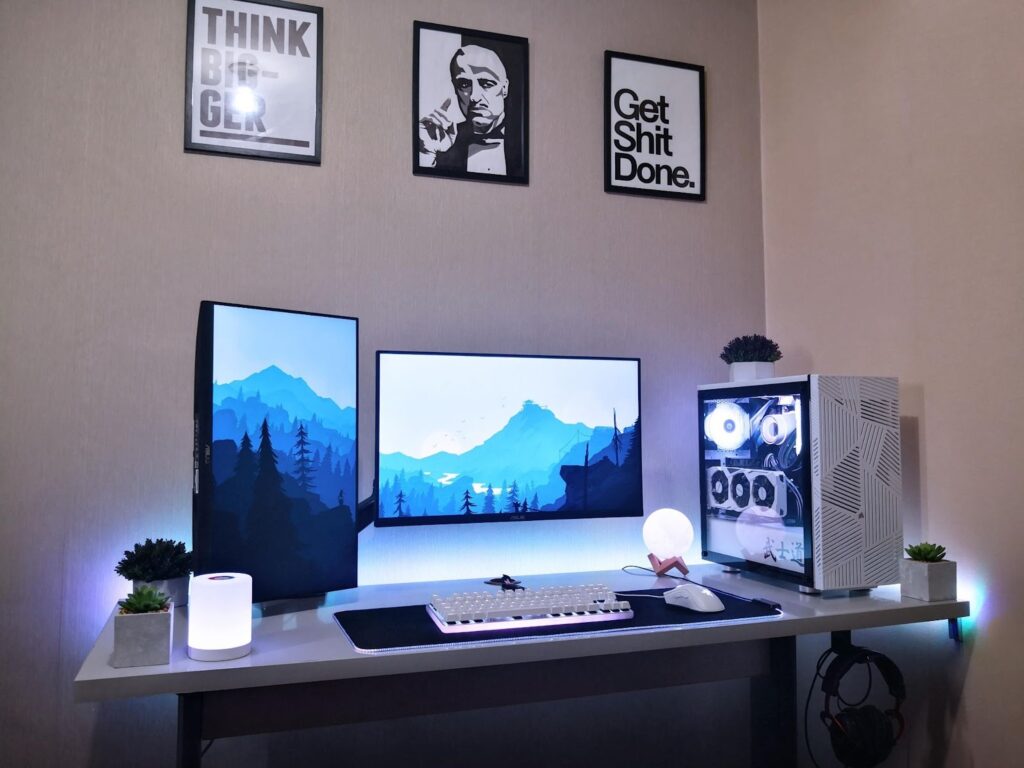
Building a PC gaming setup on a budget doesn’t mean settling for mediocre performance or outdated gear. With smart planning, savvy component choices, and a clear understanding of what matters most for gaming, you can create a system that delivers reliable performance without breaking the bank. Whether you’re a first-time builder or upgrading from a console, this guide will walk you through the essentials of building a cost-effective gaming setup with practical tips grounded in real-world experience.
Planning Your Budget Gaming Setup
Setting Expectations and Goals
Before buying anything, define what “budget” means for you. Are you targeting smooth 1080p gameplay, competitive esports performance, or the ability to play newer AAA titles at modest settings? Establishing your gaming goals will help you prioritize where to spend and where to save.
Budget Breakdown
A balanced budget PC setup typically includes:
- Core system components (CPU, GPU, RAM, storage, PSU, case)
- Monitor
- Peripherals (keyboard, mouse, headset)
- Desk and chair (ergonomics matter too)
Allocating more of your budget to performance-critical parts — especially the graphics card and CPU — will yield the best gaming experience.
Core Components: Building the Heart of Your PC
CPU and GPU: The Performance Duo
The graphics card (GPU) and processor (CPU) are the most influential parts for gaming performance. In budget builds, you can often balance:
- A modest GPU paired with a capable CPU to ensure good frame rates in popular games
- Or an integrated graphics CPU (like some Ryzen G-series chips) to save money if you’re really constrained
Online guides show repeated success with budget builds under $700–$800 by focusing first on these components.
Memory (RAM) and Storage
- Aim for 16 GB of RAM as a practical minimum for modern gaming.
- Use a Solid State Drive (SSD) for your operating system and favorite games — even smaller SSDs improve load times and responsiveness dramatically compared to old hard drives.
Balancing storage capacity with performance is essential: a fast SSD for games you play often, and a larger, cheaper drive for bulk storage.
Power Supply and Case
Never skimp on the power supply unit (PSU) — a reliable PSU protects your components. Look for one with at least an 80+ Bronze efficiency rating.Choose a case with good airflow and enough space to accommodate future upgrades. Simple mid-tower cases often offer the best value.

Setting Up Your Gaming Space
Monitor: Eyes on Performance
Your PC is only as good as what you see. For a budget setup:
- A 1080p monitor with a 75–144Hz refresh rate hits the sweet spot between performance and cost.
- Models under $200 can offer excellent responsiveness for both esports titles and single-player games.
Recent tech reviews highlight affordable monitors that still deliver competitive refresh rates and low response times — great for budget builds.
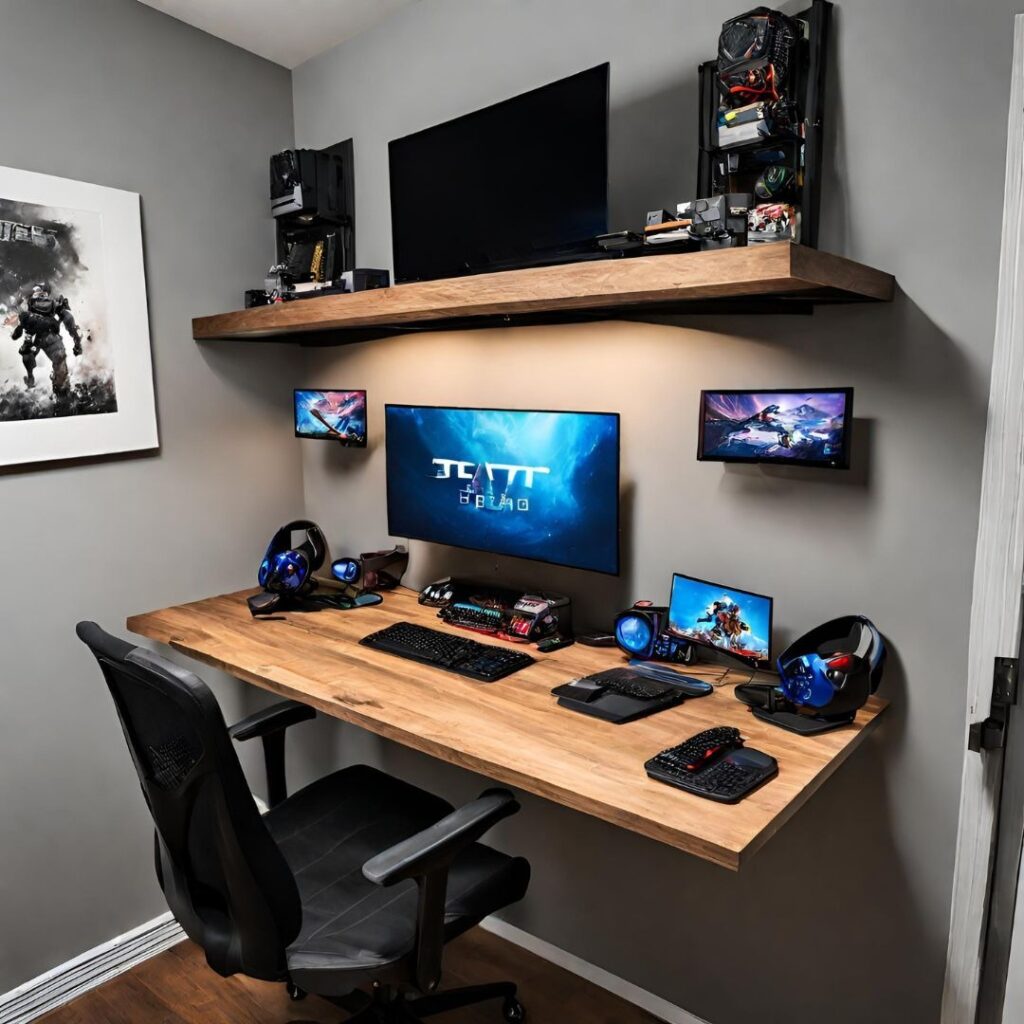
Desk, Chair, and Ergonomics
Gamers often underestimate how much comfort matters. A sturdy desk with enough room for your keyboard and mouse, and a supportive chair can improve endurance and prevent strain during long sessions.
Use affordable DIY setups or secondhand furniture to stretch your budget further without compromising comfort.
Practical Tips and Examples
Shop Sales and Bundles
Look for seasonal deals on components — graphics cards, RAM, and peripherals often go on sale around holidays or annual tech events.
Consider Used or Older Generation Parts
Used GPUs, CPUs, and monitors can drastically reduce costs while maintaining good performance. Just verify compatibility and condition before purchase.
Start with the Essentials
If peripherals are eating up your entire budget, start with the basics and upgrade over time. A good gaming experience begins with a responsive keyboard and mouse, and you can enhance your setup later.
Putting It All Together
Once you’ve chosen components:
- Assemble your PC — guides like Intel’s step-by-step build instructions are great resources for beginners.
- Install your operating system and drivers.
- Organize cables and optimize your desk layout for comfort.
- Adjust in-game settings for best performance based on your hardware.
Assembly may seem intimidating at first, but following a clear process transforms complex steps into manageable tasks.
Conclusion
Building a budget PC gaming setup is a rewarding process that combines technical planning with practical decision-making. By prioritizing performance-critical components, shopping smartly, and designing a comfortable workspace, you can enjoy immersive gaming experiences without overspending. Whether it’s your first build or a refreshed upgrade, a thoughtful setup delivers the performance you need and the satisfaction of having built it yourself.


1 Comment
Pingback: How to Clear Cache Without Losing Data on Any Device