
Artificial intelligence (AI) has transformed digital creativity, making it easier than ever to produce striking visual content—even with little to no graphic design experience. Midjourney is one of the most popular AI-powered art generators available today, allowing users to create unique images based on text prompts. While Midjourney primarily operates on a paid model, there are ways to use it to create free art for your blog with strategic planning and the initial trial access it offers. This comprehensive guide will walk you through how to get started, create stunning visuals, and integrate them effectively into your blog.
What Is Midjourney?
Midjourney is a text-to-image AI generator accessible via its official Discord server or web interface. Users describe the image they want using natural language, and the AI returns several creative variations of that idea.
While Midjourney’s free trial options are limited or removed over time, many users can still generate some images at no cost through occasional promotions or official invites to trial sessions, then export and use those images for blog content under Midjourney’s terms. Always check the latest details on pricing and free access on Midjourney’s official site.
Getting Started: Setting Up Midjourney
Join Midjourney via Discord
- Create a Discord account (if you don’t already have one).
- Visit Midjourney.com and click “Join the Beta.”
- Accept the invite to the Midjourney Discord server and verify your account.
Discord is the platform through which Midjourney accepts prompts and returns images. Once inside, you’ll find dedicated channels for testing, prompts, and community support.
Navigate to a “Newbie” Channel
Within the Midjourney Discord server, look for channels like #newbies-xx. These are designed for beginners to test prompts and generate images. If you access any free trial credits, they’ll typically be usable in these channels.
Crafting Your First Midjourney Prompt
Use the /imagine Command
To generate art, type the following in the Discord text box:
/imagine prompt: your description here
For example:
/imagine prompt: dreamy watercolor sunrise over a mountain lake, vibrant colors
Midjourney then processes your request and returns four image variations within about a minute.
Tips for Better Prompts
Good prompts make the difference between generic visuals and polished art. Consider the following:
- Subject + Style: Describe what you want and how you want it (e.g., “portrait, oil painting style”).
- Details Matter: Add color, mood, and lighting descriptors for precision.
- Aspect Ratio: Use parameters like –ar 16:9 to match your blog’s image format.
Example Prompt
A blog about productivity might use:
/imagine prompt: a cozy home office with warm light, minimalistic design, flat lay composition –ar 16:9
This instructs Midjourney to generate a scene with specific attributes that fit your blog’s aesthetic.
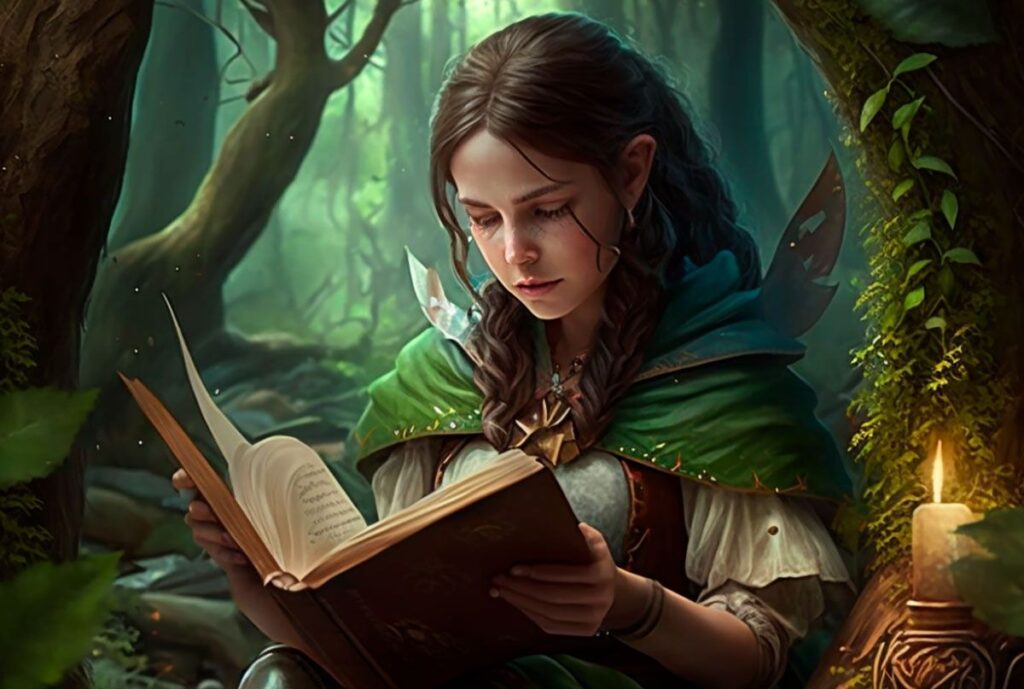
Refining and Downloading Your Art
Variations and Upscaling
After Midjourney returns four options:
- U1–U4: Upscale the selected image for a higher-resolution version.
- V1–V4: Generate variations of a selected image.
Use the upscale option for blog headers or featured visuals where clarity matters most.
Downloading Your Images
Once you’ve upscaled your chosen image, simply click it and choose “Save Image As…” to download it for use on your blog.
Practical Examples and Use Cases
AI-generated art can elevate blog posts in many ways:
1. Hero Images for Blog Posts
Create custom header graphics that reflect your content’s theme without relying on stock photos.
2. Visual Storytelling
Illustrate concepts, processes, or abstract ideas with bespoke visuals that match your narrative tone.
3. Infographics and Diagrams
Combine Midjourney visuals with text overlays to create engaging infographics for tutorials and how-tos.
Legal and Ethical Considerations
Although you can create and use AI-generated images, it’s crucial to follow Midjourney’s terms of service and copyright guidelines. Avoid prompting the AI to recreate copyrighted characters or trademarked material—the legality of such images remains contested, and major studios have taken legal action over AI use of protected content.
Conclusion
Midjourney offers a powerful way to generate custom art for your blog, expanding creative possibilities beyond stock libraries. By mastering prompts and understanding how to optimize and download your results, you can produce unique, engaging visuals that support your content strategy. While free access is limited, you can often take advantage of initial trials or promotions to test the platform and create standout pieces for your blog—just be sure to stay compliant with usage terms and ethical guidelines.

1 Comment
just wanted to say thanks for the great advice in this post it was very helpful. i am definitely going to be putting some of these tips into practice right away and see what happens. i have a feeling they are going to make a big difference for me so thanks again for sharing your expertise. u are doing a great job man!